

01
Multiple Input Sources
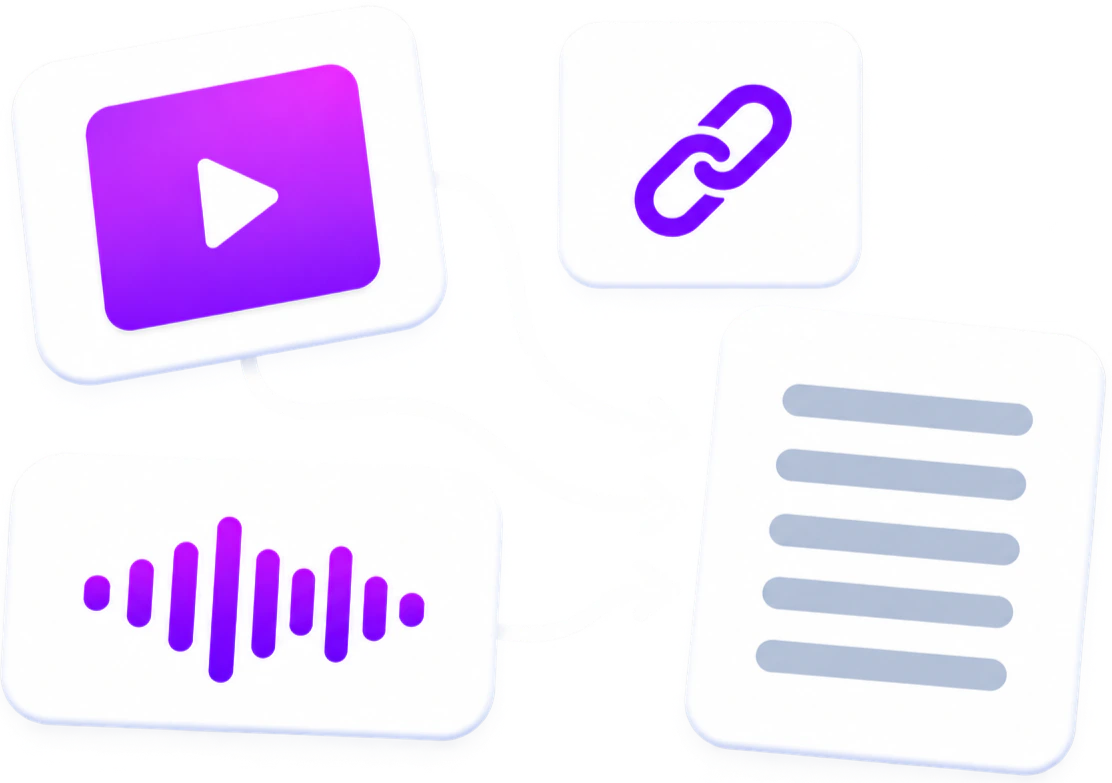
Create Instagram video transcript from Instagram video or Reel link. You can also transcribe supported social media videos and local video or audio files.

Turn public Instagram Reels and videos into clear, readable text in seconds. Paste an Instagram link to generate a transcript you can read, copy, and download. No login required.
99.9% accuracy
200+ languages
Fast processing
Speaker Recognition
Timestamped output
Choose whether the transcript should separate different speakers in the conversation.
Use AI to refine and improve the transcript readability after extraction.
Instagram Transcript is a free, no-login Instagram transcript generator that converts the spoken words in a public Instagram Reel or video into editable text. Paste an Instagram link to generate an Instagram video transcript with available timestamps and speaker labels, then review, edit, summarize, translate, or download the result for captions, notes, scripts, and content research.
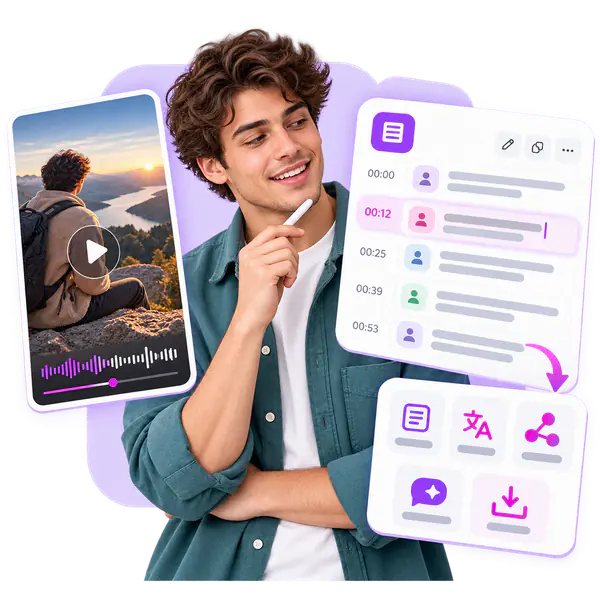
Converting an Instagram video to text creates a written version of its spoken content, which is easier to search, copy, and review than listening to the original video. Instagram transcript generator lets you check a Reel, quote a specific passage, prepare captions or notes, and translate the content when needed.
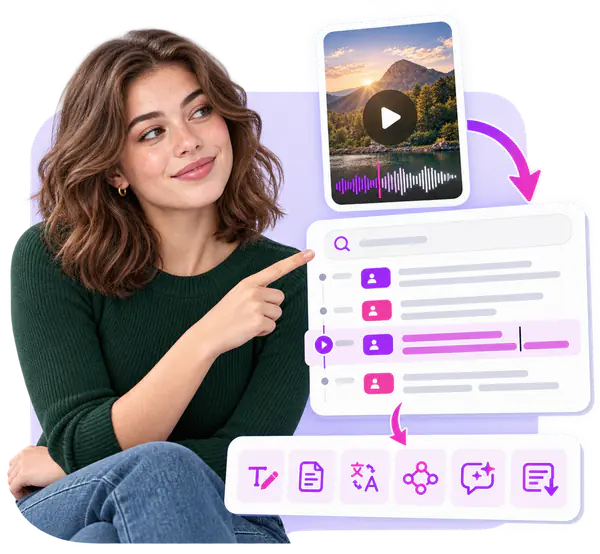
Instagram Reels to text works by applying speech recognition to the audio in a public Reel. After you submit the link, the system processes the available video, separates the spoken audio into short segments, and matches the recognized words to their position in the recording. These segments form an Instagram Reel transcript, with timestamps added when available, which can then be checked against the original video.
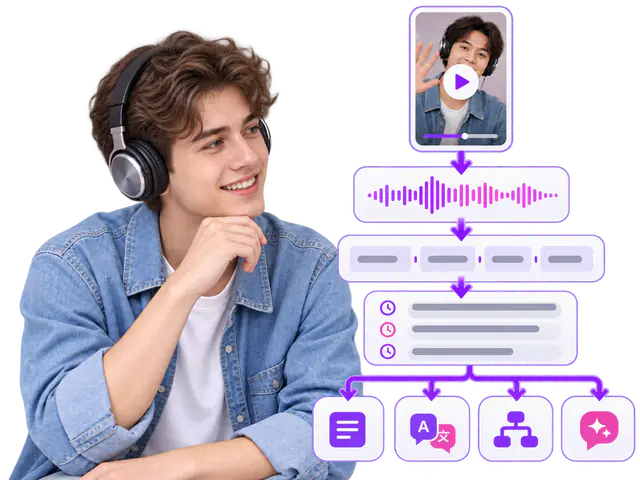
Create Instagram video transcript from Instagram video or Reel link. You can also transcribe supported social media videos and local video or audio files.
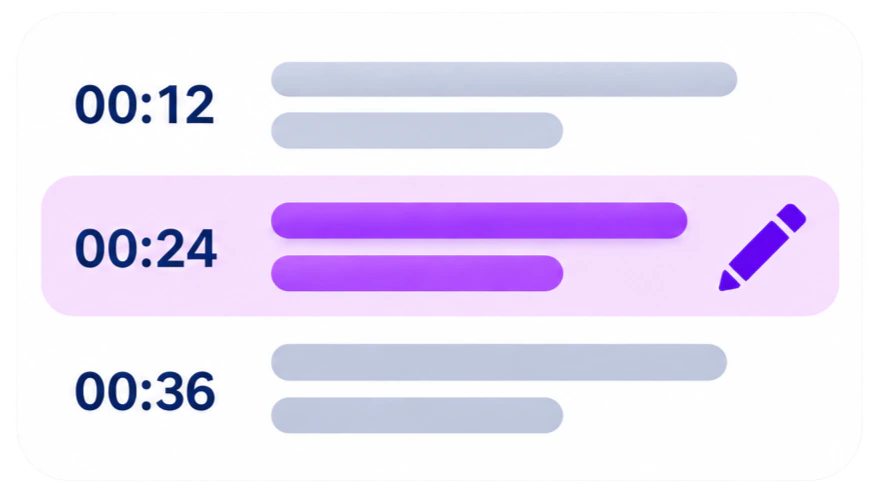
Review Instagram transcript with timestamps, edit subtitle text, and update speaker labels before using or exporting the result.
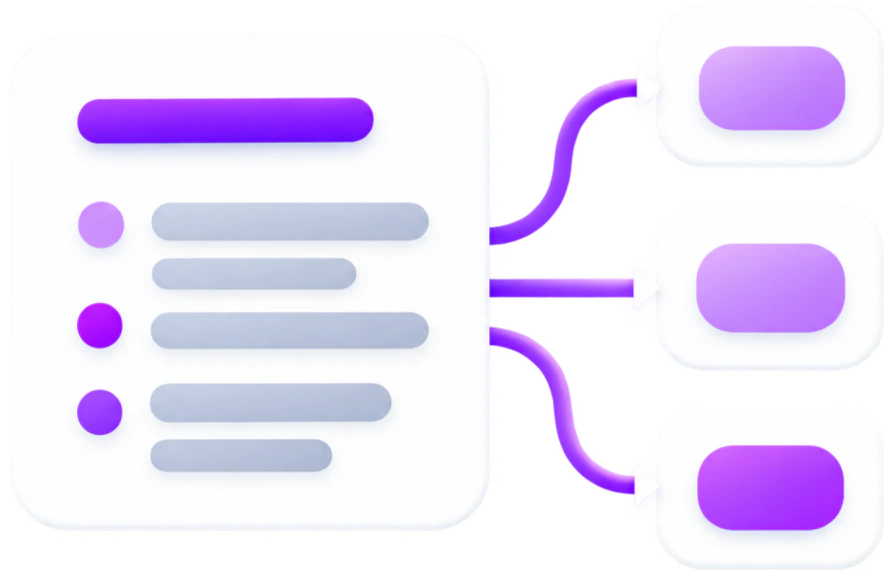
Turn an Instagram transcript into Instagram transcript summary, key points, and a mind map for long videos, meetings, interviews, or online courses.
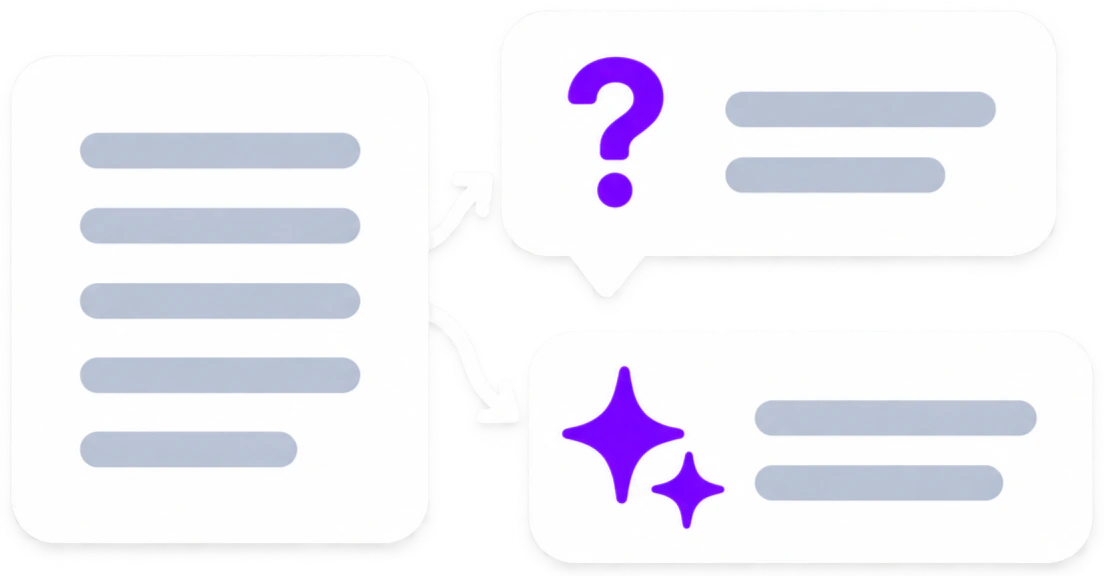
Ask questions about Instagram transcript to find details, review topics, and identify information discussed in the video.
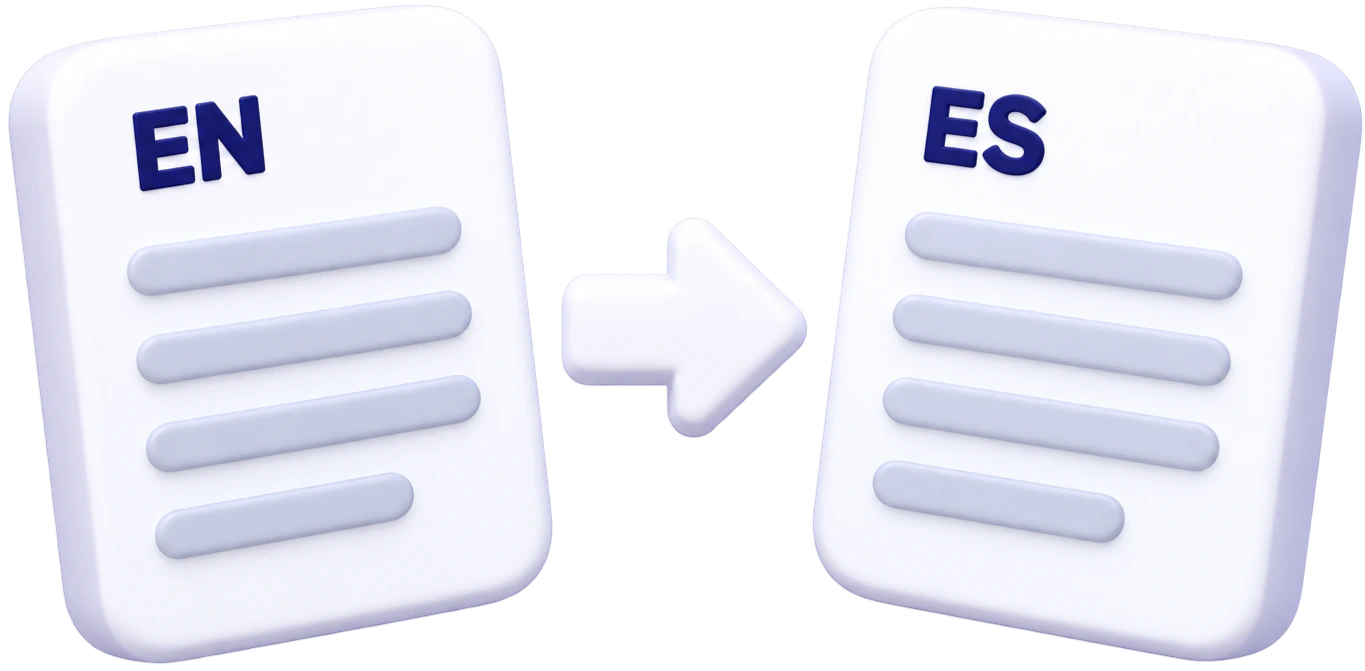
Translate Instagram transcript into another language for multilingual subtitles, content review, and easier access to video information.
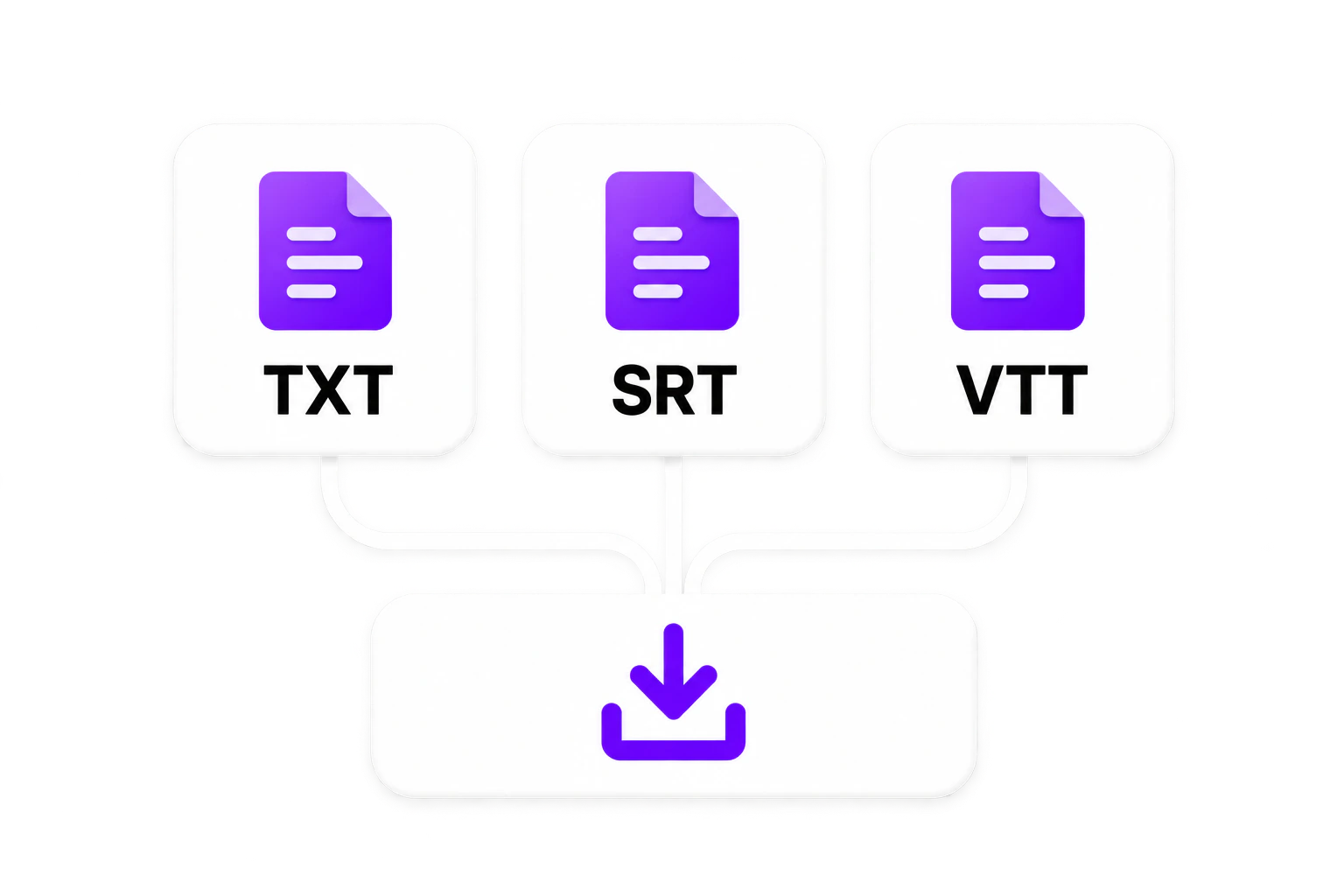
Download the finished Instagram transcript or subtitle file in an available format. Save the result for captions, content drafts, documents, or later review.
Getting an Instagram transcript takes three steps: add an Instagram link, generate and review the subtitles, then download the result in your preferred format.
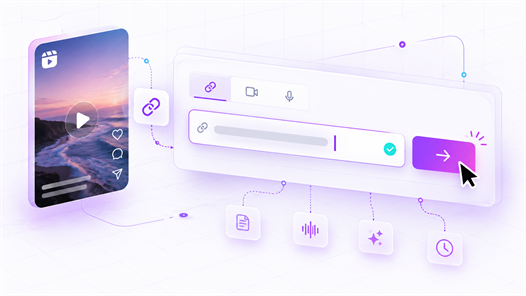
Copy the Instagram video or Reel URL and paste it into the input field. Use content that you have permission to access and process.
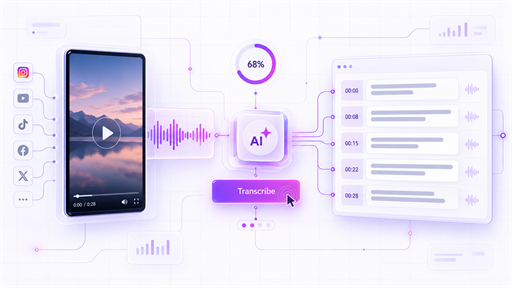
Click Transcribe to start processing the video. The tool analyzes the spoken audio and generates subtitle text.
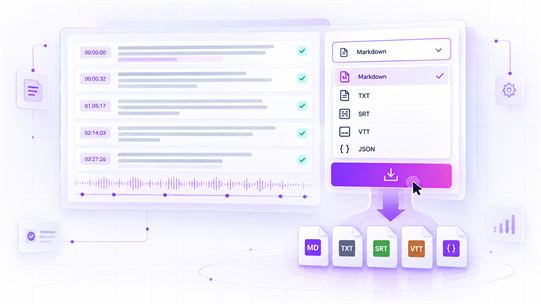
Click Download after reviewing the transcript, then choose the format that matches your workflow.

Creators can transcribe Instagram videos and Reels into editable subtitles. An Instagram Reel transcript can be corrected, reviewed, and downloaded for captions, scripts, and post descriptions.
Get a free Instagram transcript without creating an account. Paste an authorized Instagram video or Reel link, start transcription, then download an Instagram transcript in an available format.
Instagram video transcription turns spoken content into readable subtitles and text. Review timestamps, names, and important details before using an Instagram video to text result in published content.
Use Instagram Transcript in desktop and mobile browsers without installing software. Create, review, and download transcripts wherever you need to work with Instagram video content.
Create an Instagram transcript, then translate an Instagram transcript for multilingual captions, notes, and content workflows. Review translated text before publishing or sharing it.
Paste an Instagram video or Reel link to create an Instagram Reel transcript, or upload a local video or audio file. Choose the source that best fits the content you need to transcribe.
Use an Instagram transcript to create an Instagram transcript summary, key points, and structured notes. Ask AI can help you find information and review topics discussed in the video.
“An Instagram video transcript gives our team something we can work with right away. We pull key points from videos, prepare descriptions, and turn spoken content into post drafts without watching the same clip again.”
“I used to replay a Reel several times just to write captions. Now I can get an Instagram Reel transcript, correct a few words, and download the subtitles. It makes my posting workflow much easier.”
Instagram transcript is a written version of the spoken words in an Instagram Reel or video. It helps you read, search, quote, and review the audio content without relying only on the video playback. A transcript is different from a summary: it preserves the spoken content, while a summary presents only the main points.
Copy the link to a public Instagram video or Reel and paste it into the transcript tool. Start the transcription process, then review the generated text against the original video. You can edit the transcript, check available timestamps or speaker labels, and download the result in an available format.
Open the public Instagram Reel, copy its link, and paste the URL into the tool. After you start the transcription, the system analyzes the Reel’s spoken audio and creates an Instagram Reel transcript. You can then review the wording, correct any errors, and use the text for captions, notes, scripts, or research.
Yes. Instagram Transcript is a free Instagram transcript generator with a no-login core workflow.
For a public Instagram video, the post does not provide a complete transcript of the spoken content that you can directly copy, edit, or download. An Instagram transcript generator processes the video’s accessible audio and converts it into written text, allowing you to review the content without relying only on video playback.
Yes. You do not need to create an account or log in to use the Instagram transcript generator. Paste a public Instagram Reel or video link into the tool and start the transcription process. After the transcript is generated, you can review, edit, and download the result using the available options.
It can include timestamps and speaker labels when those details are available from the transcription result. Timestamps show where parts of the spoken content occur in the video, while speaker labels help separate different voices in a conversation. These details should still be checked against the original video before publication or formal use.
Yes. After the transcript is generated, review the text and select the Download option. The available export formats depend on the product’s current output options. A downloaded transcript can be kept for notes, captions, scripts, content research, or later editing without having to return to the original Instagram post.
Only content that you are authorized to access and that the tool can process should be submitted. The tool must not be used to bypass Instagram privacy settings, access restrictions, or account permissions. Private, deleted, restricted, or otherwise inaccessible videos may not produce a transcript even when a link is provided.